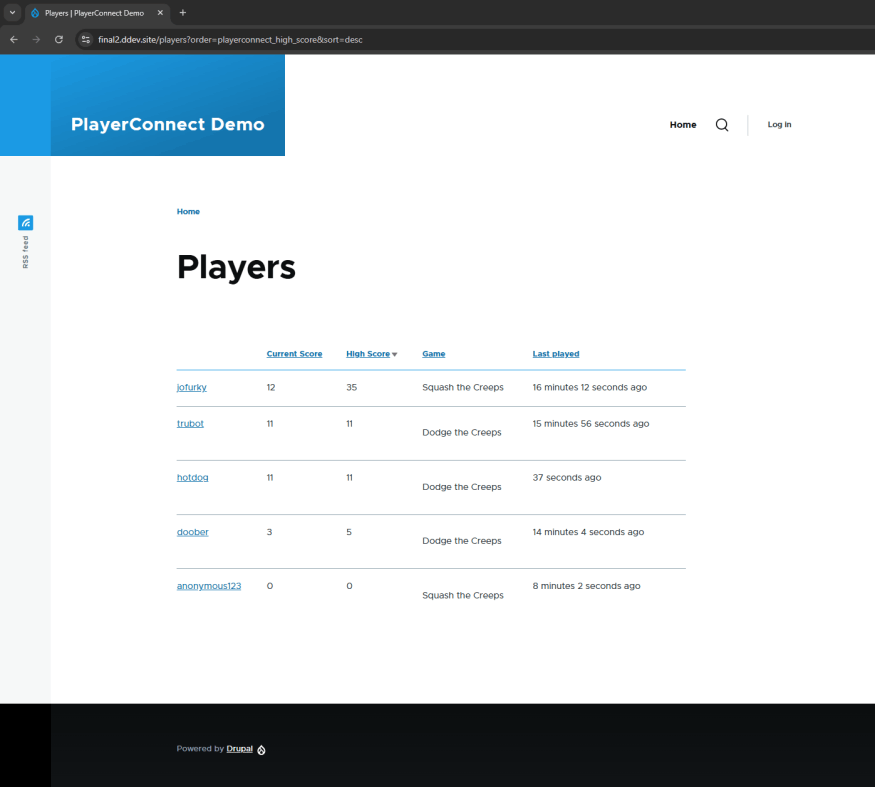
The PlayerConnect Drupal module supports features like showcasing player scores, progress, and other game-related metrics. 

View the source code and download the demo, including example games for Godot Engine 4.4 at:

https://github.com/joecola/PlayerConnect
The Main Tasks

Integration: Hooks up Drupal to another system—think APIs, syncing up databases, or getting different platforms to talk to each other.

Data Handling: Manages how data moves between Drupal and the other system. This includes pulling data in, sending updates out, and making sure everything fits right on both ends.

User Interface: Sets up the ways users and admins interact with the external system through Drupal. This covers everything from settings pages to showing data on your site in a way that makes sense.

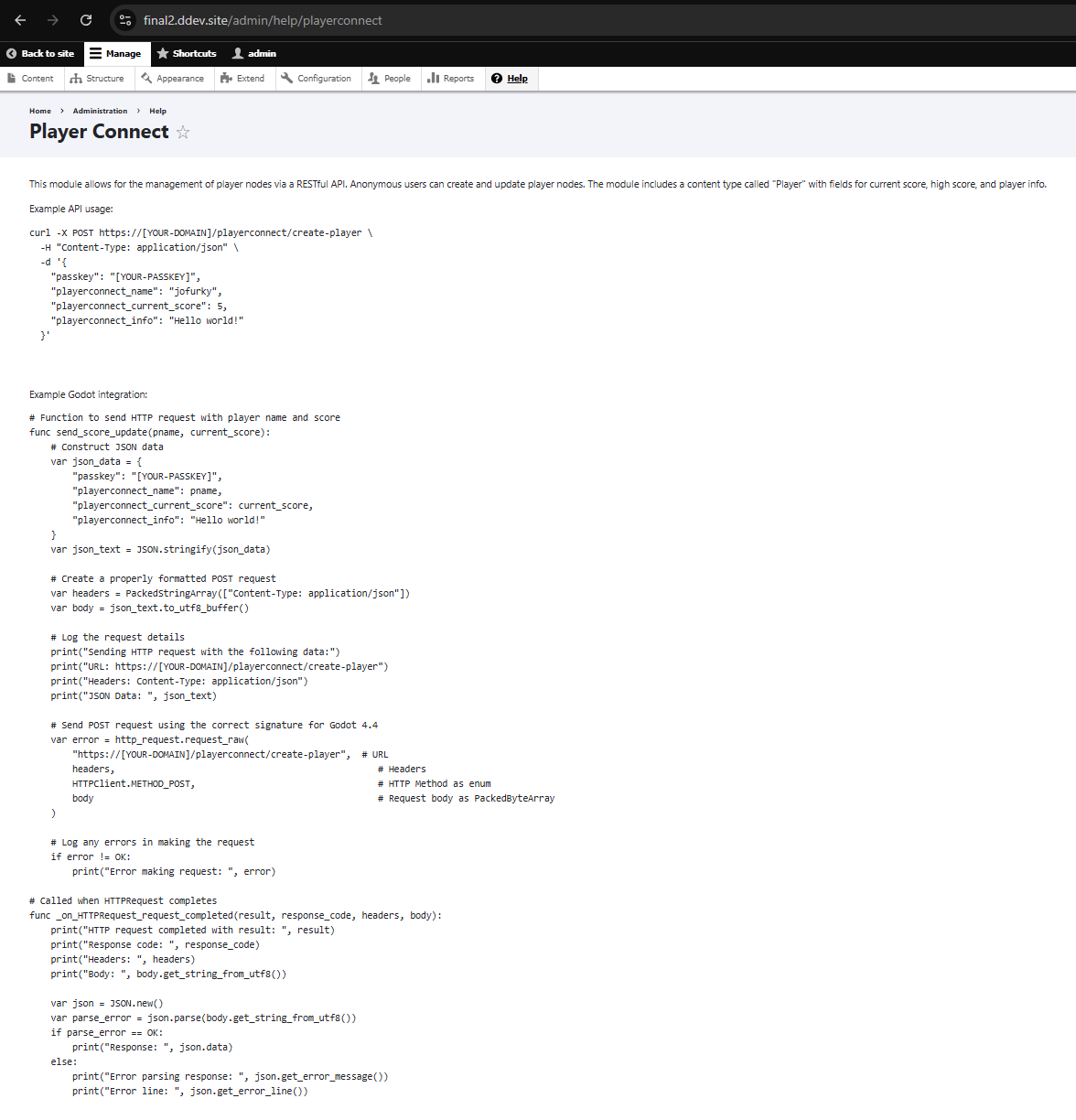
Example code and scripts right in the PlayerConnect module help page

The example code and scripts within the module's help page will kickstart a Godot designer or developer's ability to start integrating right away.

This example PlayerConnect leaderboard is a key feature of the project, designed to seamlessly display player rankings and achievements. It integrates directly with the game data to provide real-time updates on player standings. This tool not only enhances the gaming experience by fostering a competitive environment but also allows players to track their performance improvements over time. It’s an essential part of keeping the gaming community engaged and motivated.

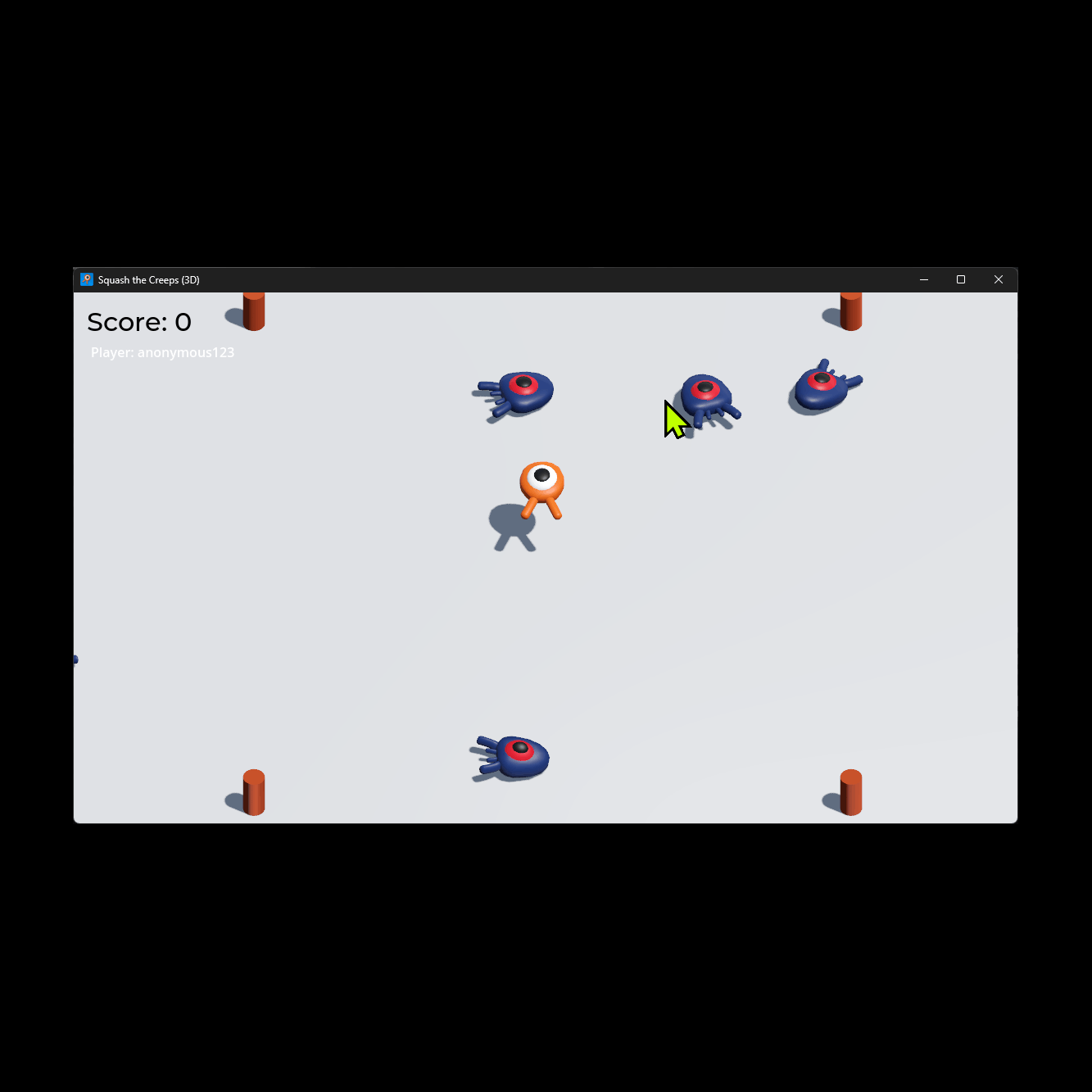
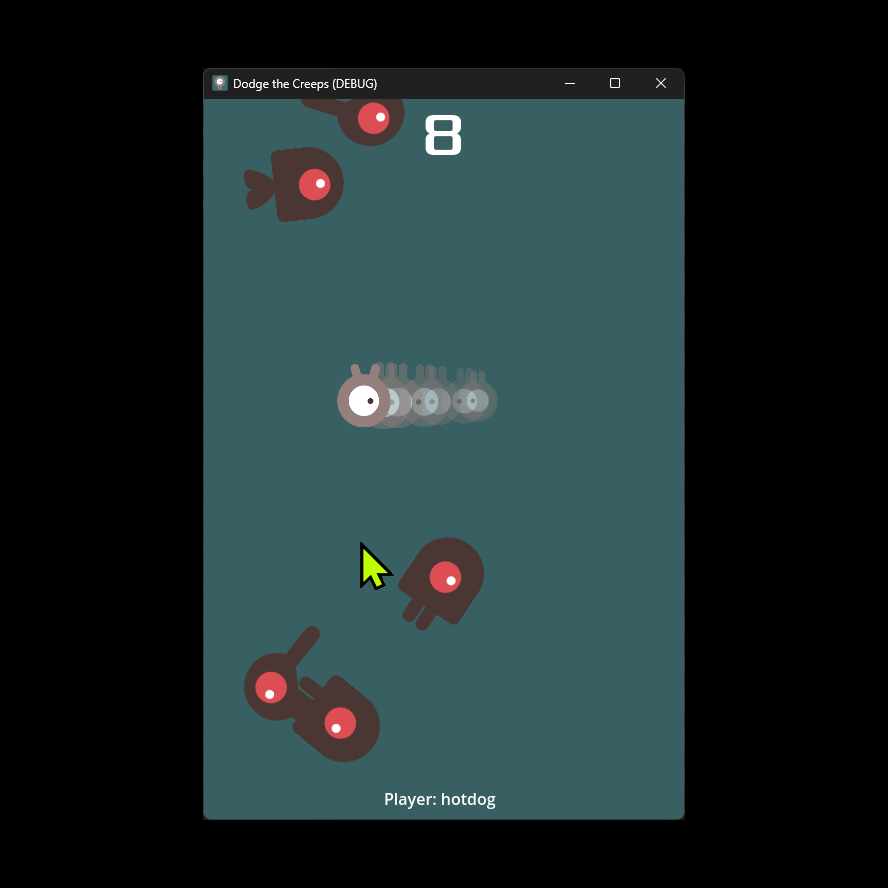
Try the 2D and 3D Godot Engine game demo projects

Based on the official Godot game demo repository, both are preconfigured to be connected to the PlayerConnect Drupal module once you have it installed. 

© Joe Hahn